


Overview
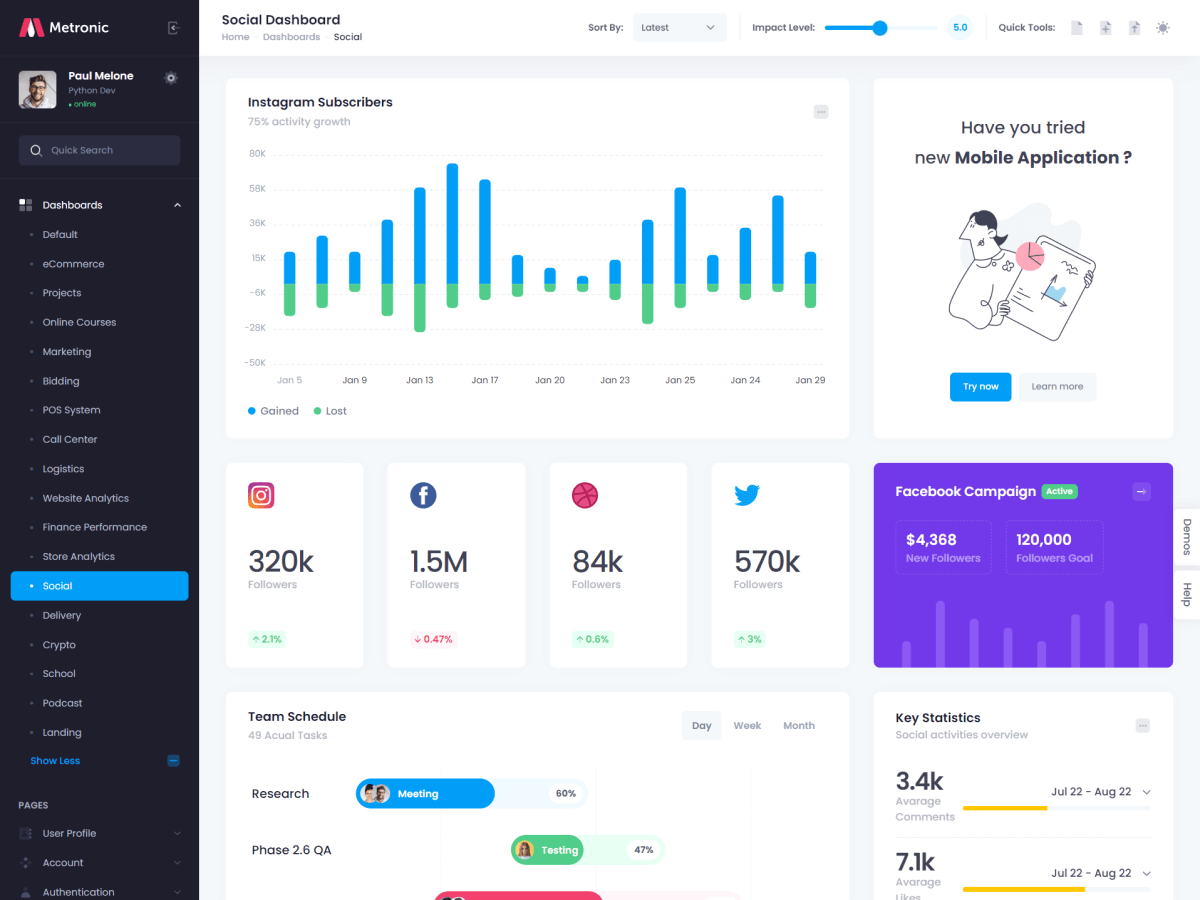
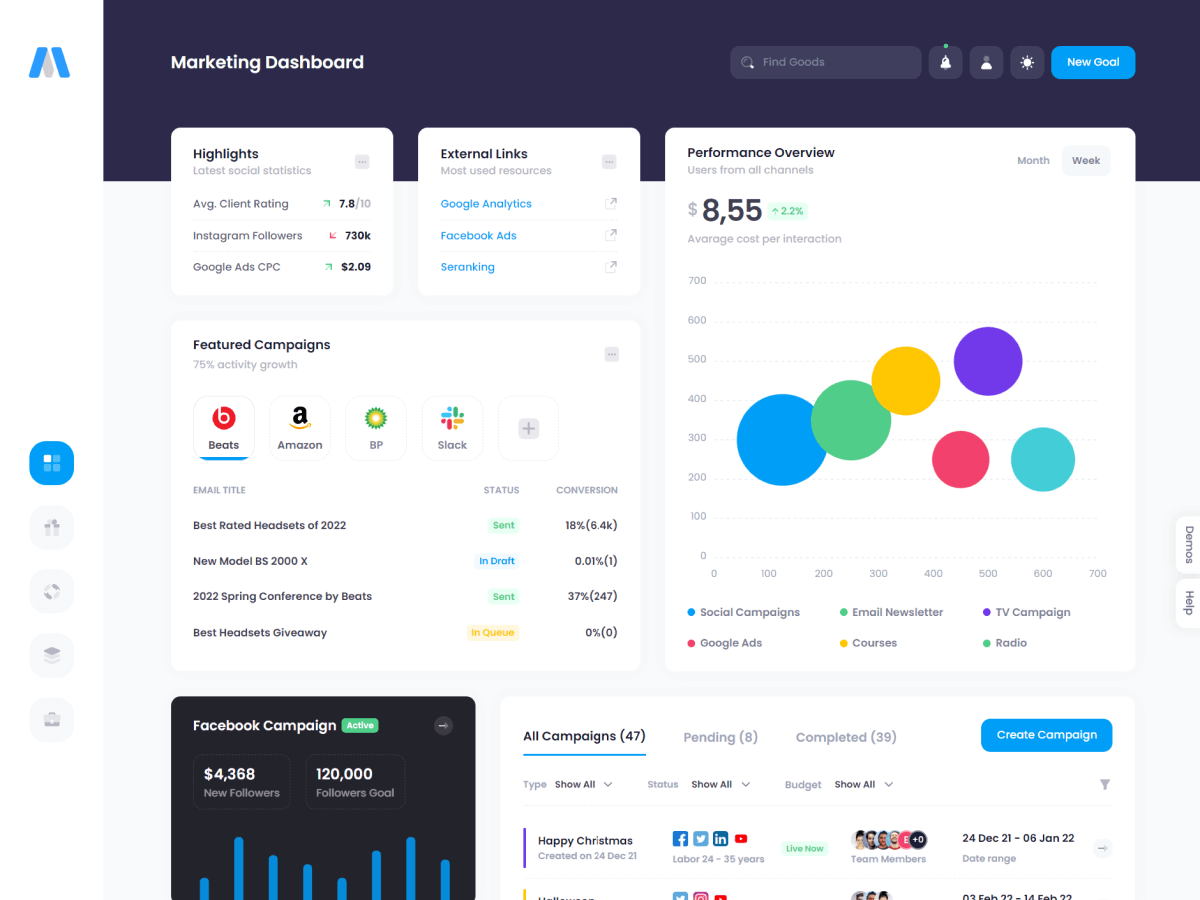
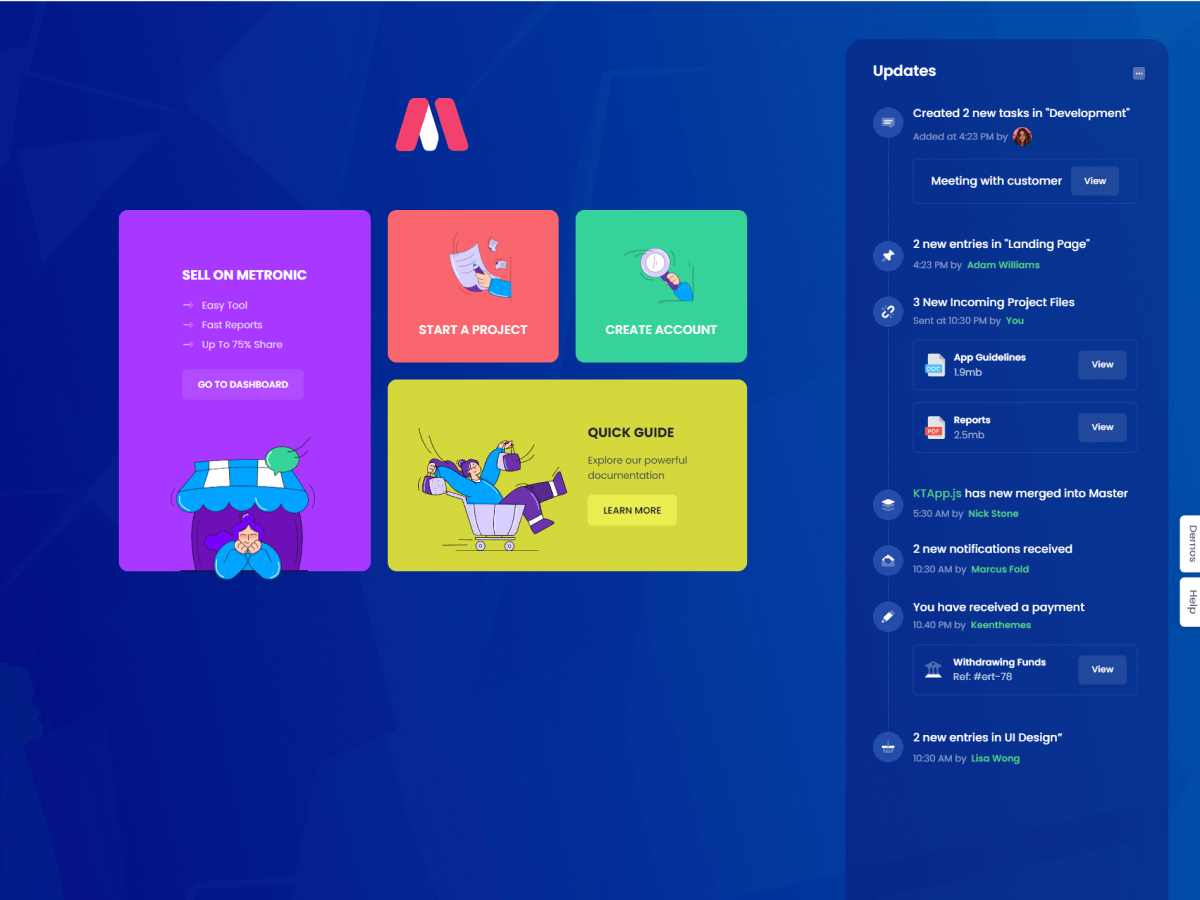
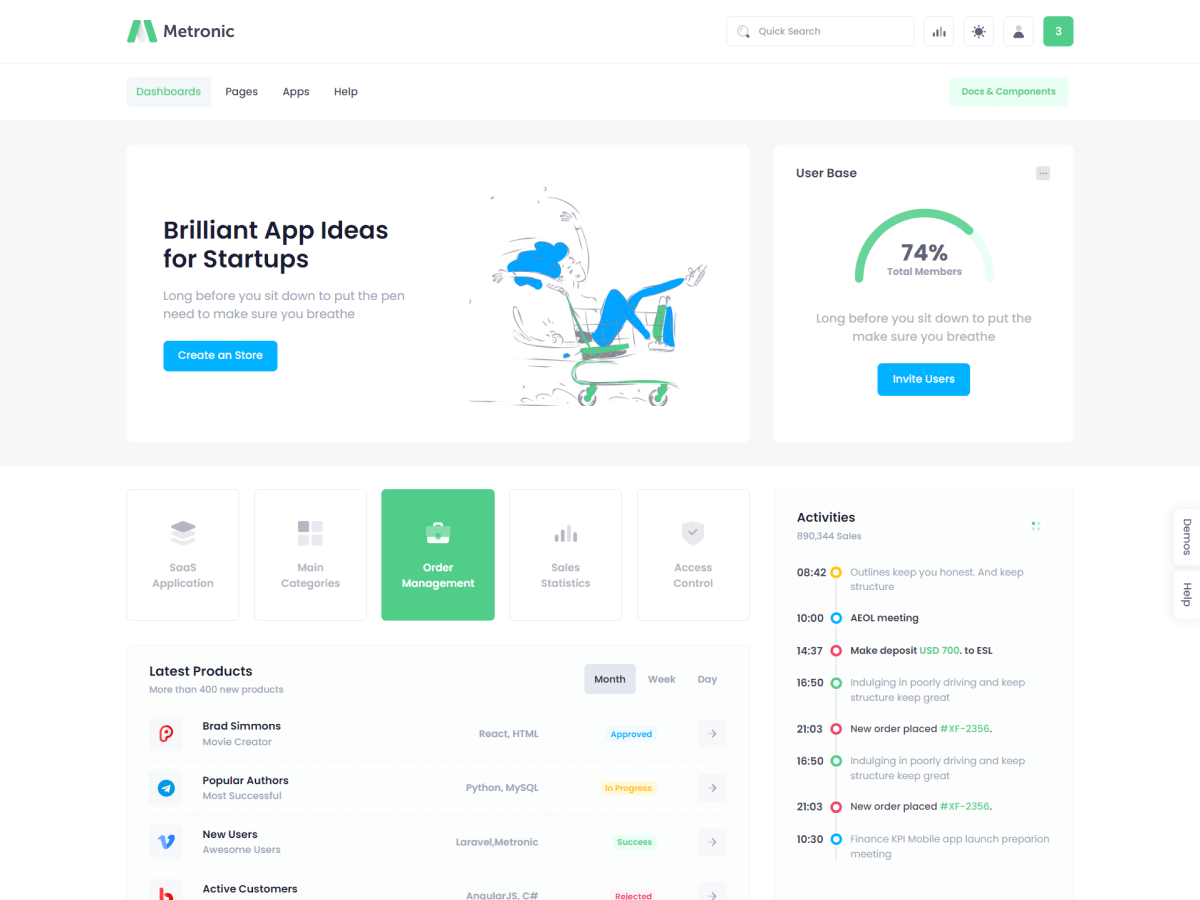
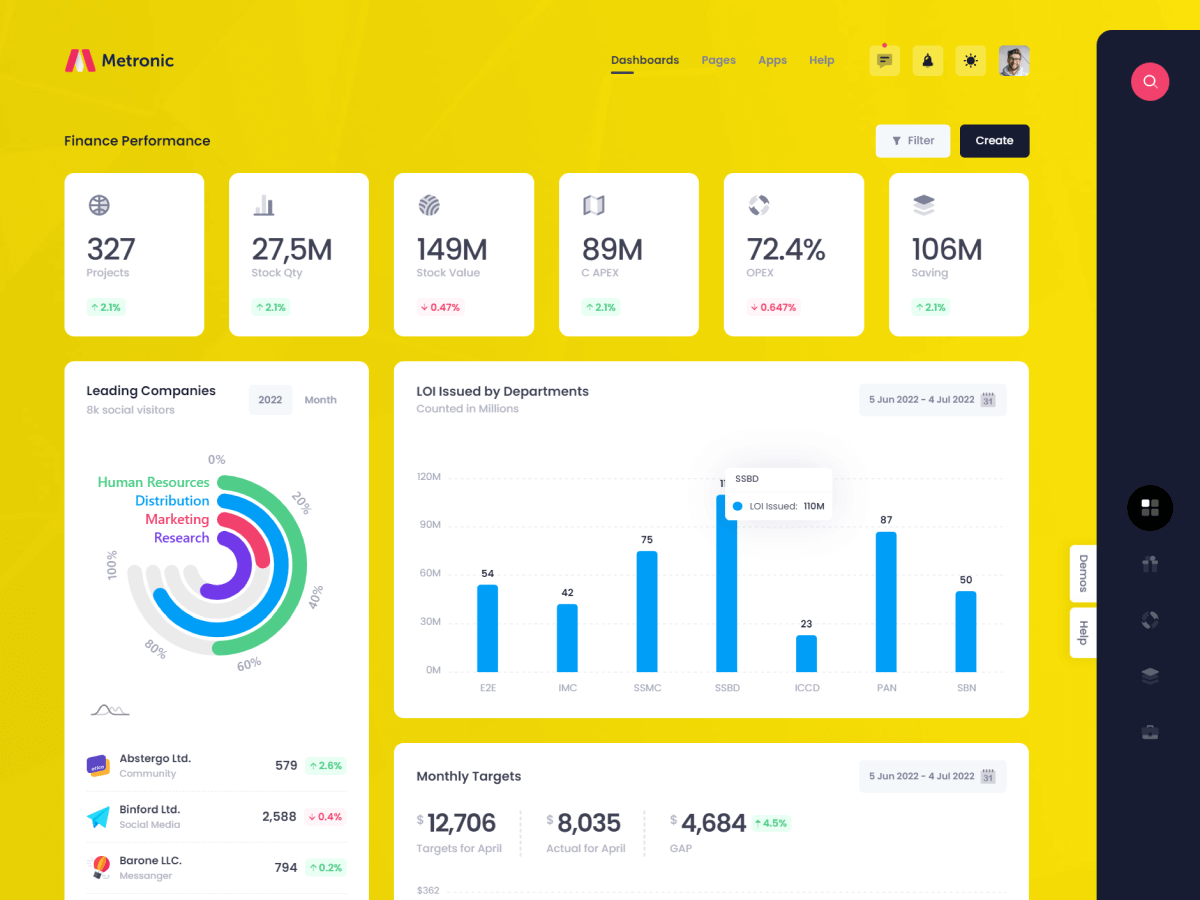
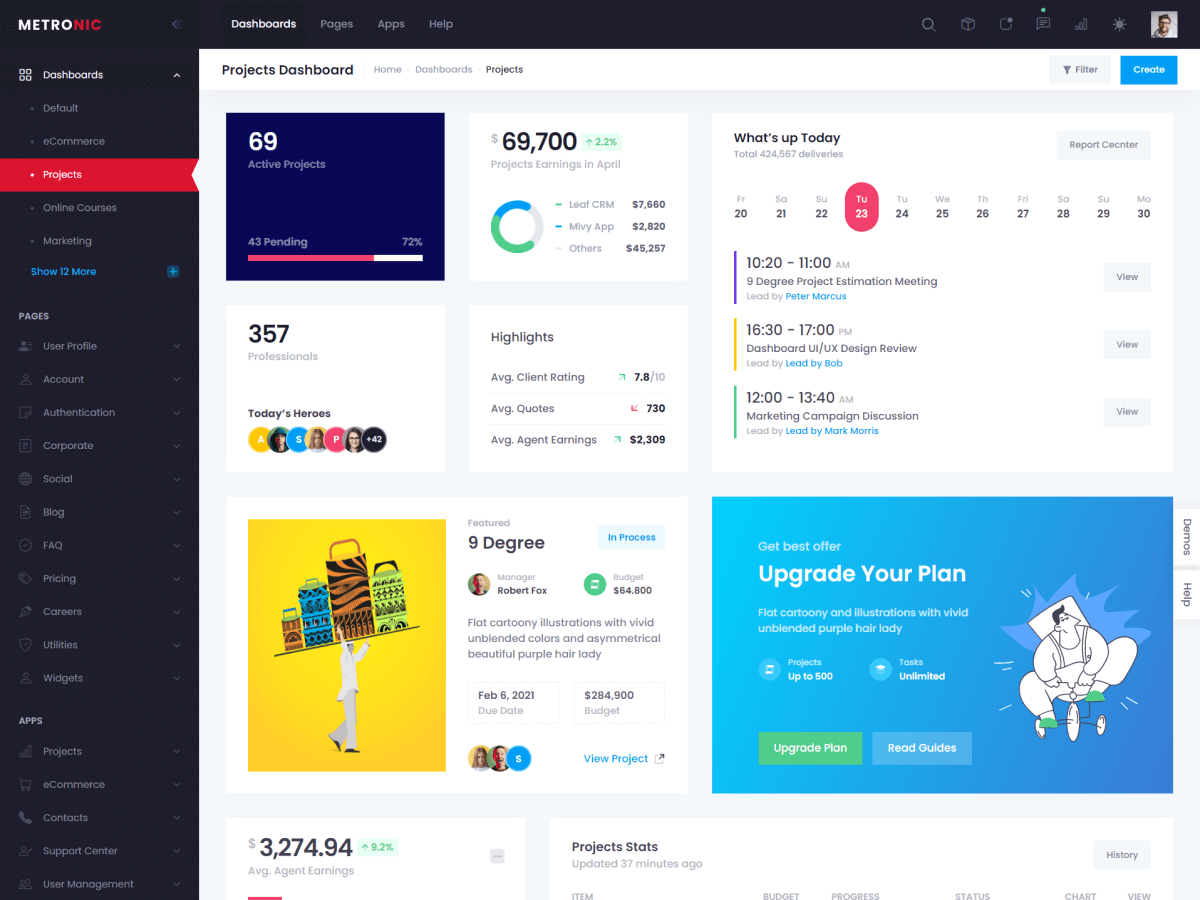
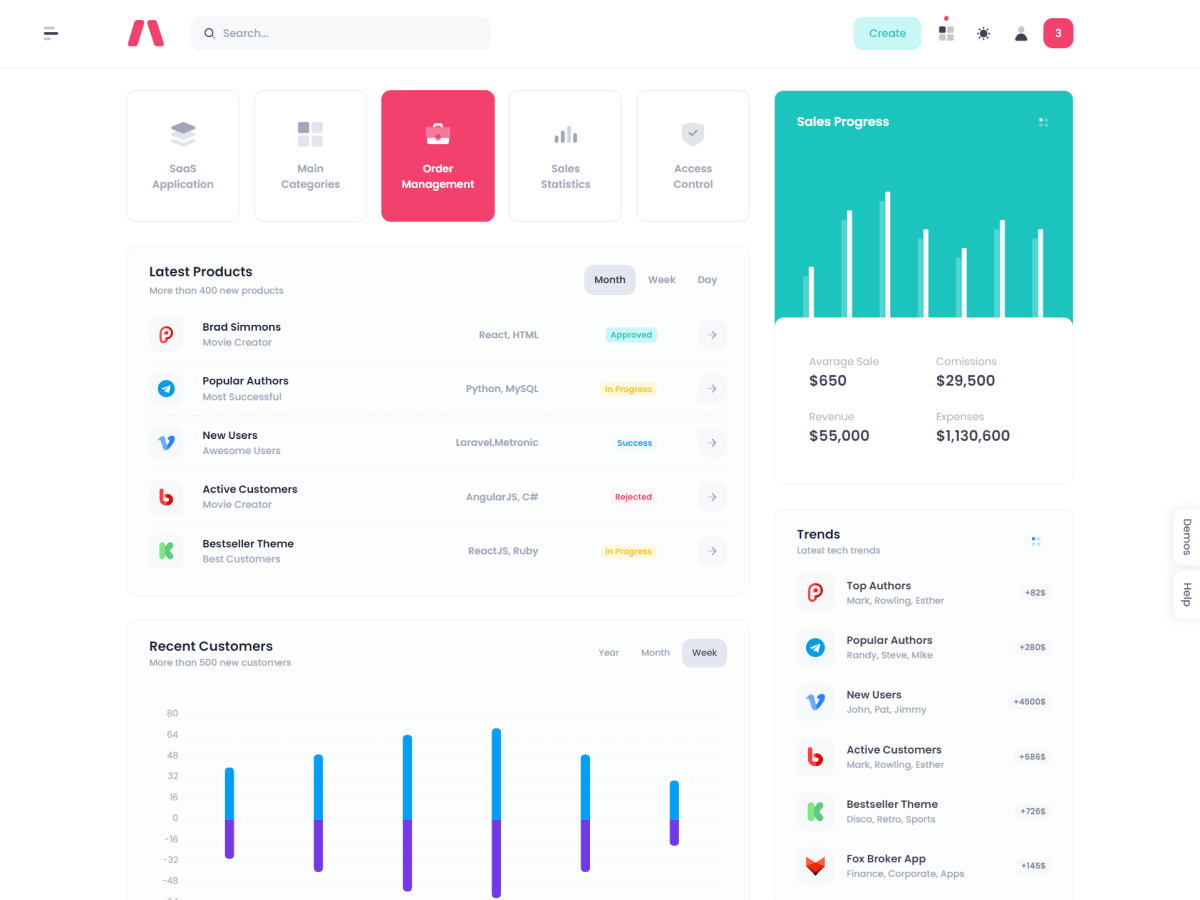
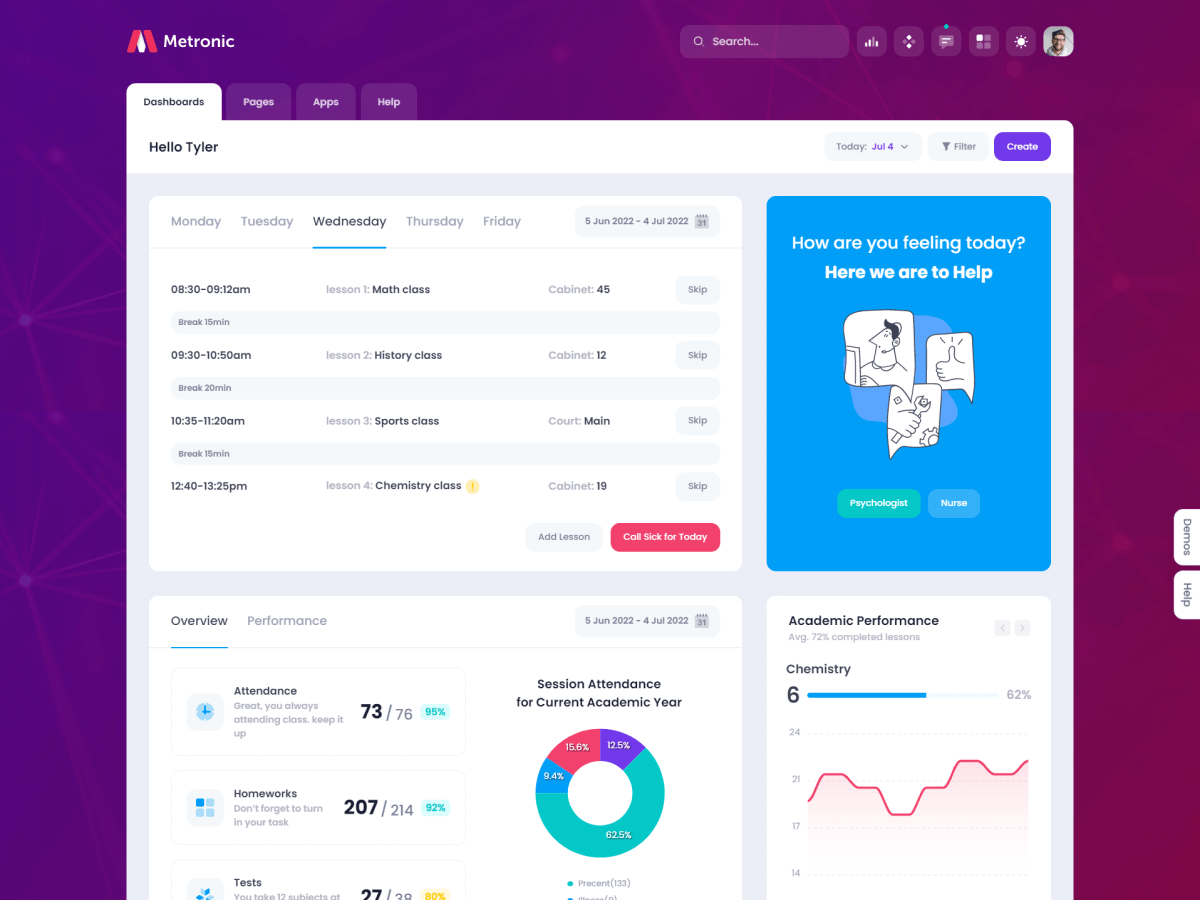
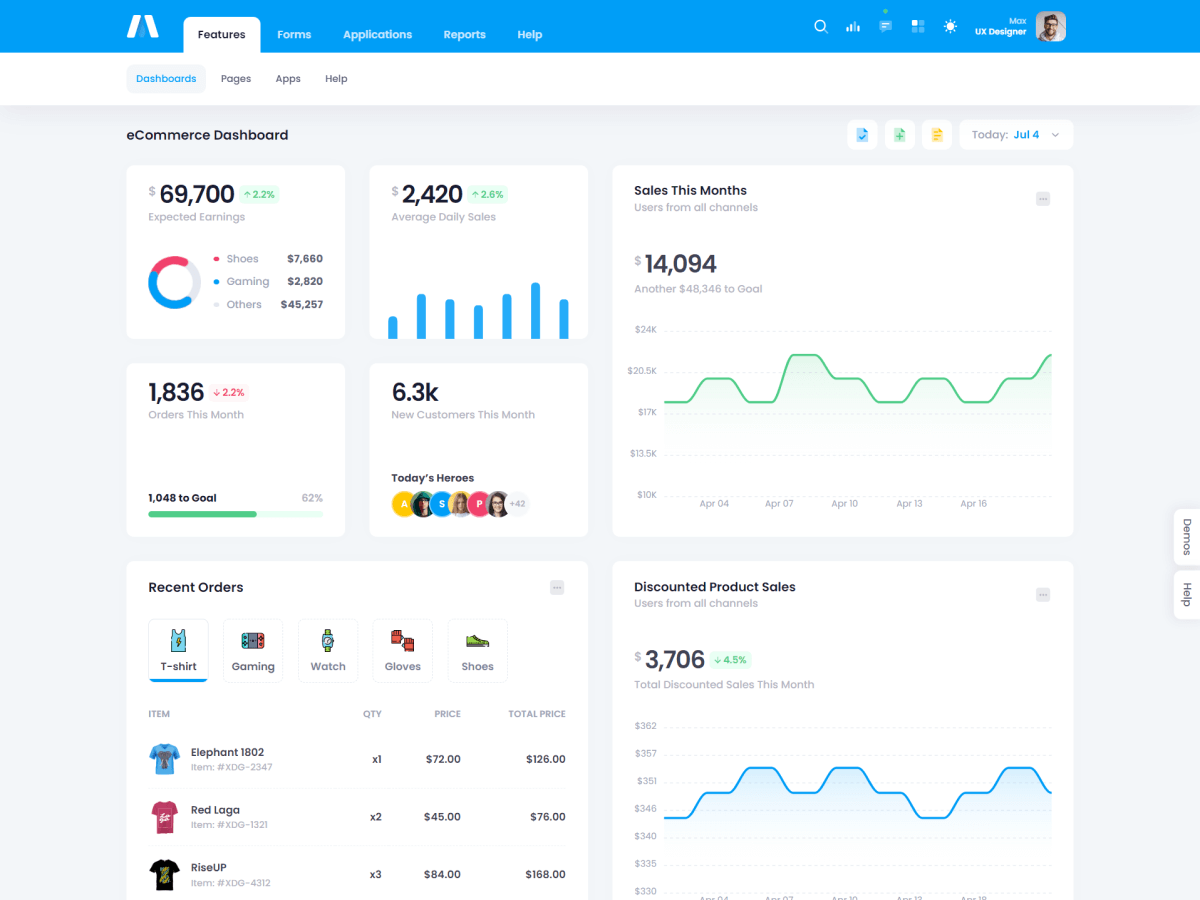
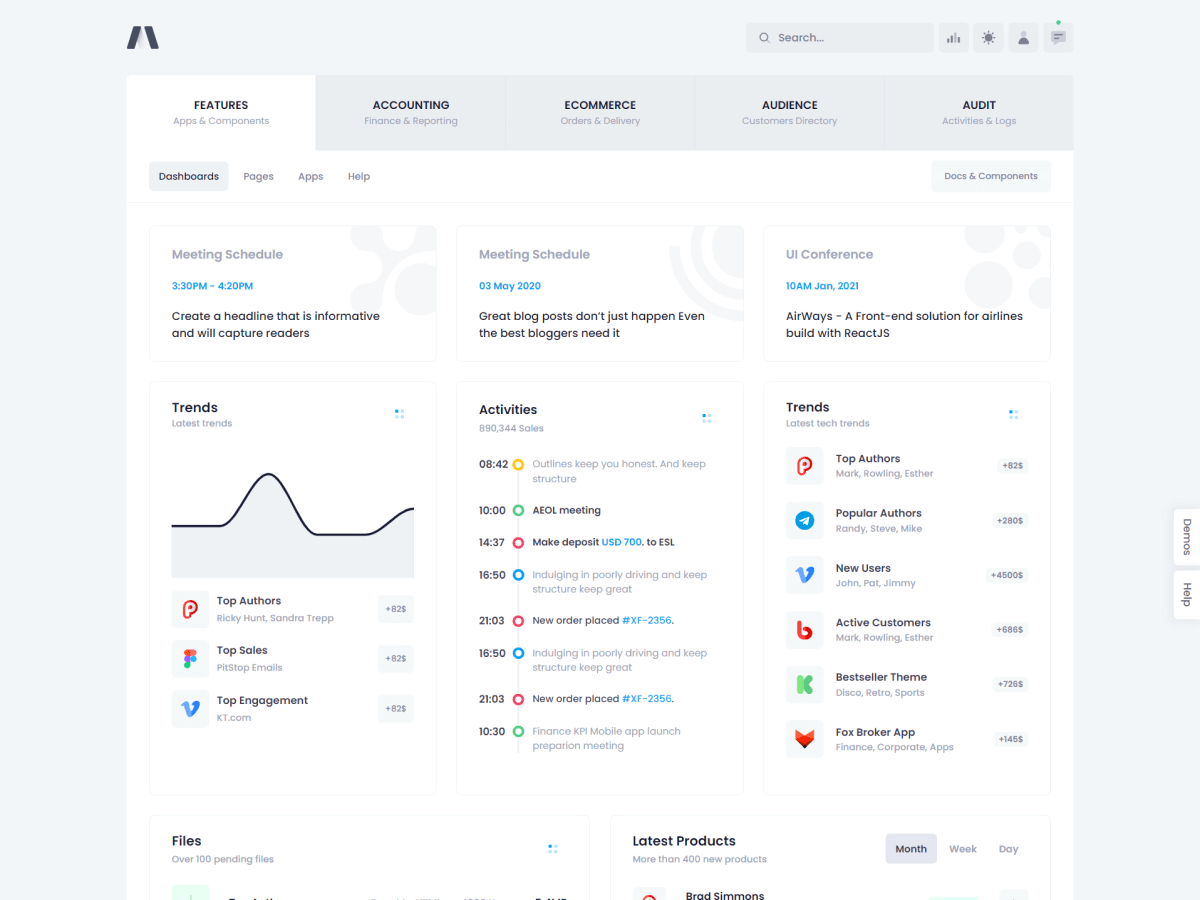
Metronic supports dynamic theme mode switching to both Dark and Light modes and storing the user's preference in browser's local storage.
Quick Setup
Change the theme mode by setting
data-theme="dark"or
data-theme="light"attributes to the page's root <html> tag. Works for background colors, images, text colors, border colors, shadows and even gradients.
<html data-theme="dark">
....
</html>
The theme mode can be set invidivually for particular page blocks despite having different mode for the page:

<!-- Dark mode -->
<div data-theme="dark">
....
</div>

<!-- Light mode -->
<div data-theme="light">
....
</div>
Switch Menu
The theme mode can be switched through unified Theme Mode Switcher opened by the sun or moon icons click in the page's header block. The theme mode switch feature is handled by
StudioThemeModejavascript class and allows saving user's preference in the browser's local storage.Flip Elements
Use
.theme-light-showand
.theme-dark-showutility classes to flip an element for particular theme mode:
<!-- Show for light mode only-->
<div class="theme-light-show">
....
</div>

<!-- Show for dark mode only-->
<div class="theme-dark-show">
....
</div>
Flip Images
Use
.theme-light-showand
.theme-dark-showutility classes to flip image for required mode:
<!-- Show for light mode only -->
<img alt="Logo" src="/V2/dist/assets/logos/default.svg" class="theme-light-show h-35px"/>

<!-- Show for dark mode light-->
<img alt="Logo" src="/V2/dist/assets/logos/default-dark.svg" class="theme-dark-show h-35px"/>
Use a custom class defined inside
<style>tag for background image flip support:
<!--begin::Image placeholder-->
<style>
 .image-placeholder {
  background-image: url('assets/example.svg');
 }

 [data-theme="dark"] .image-placeholder {
  background-image: url('assets/example-dark.svg');
 }
</style>
<!--end::Image placeholder-->

<!-- Dark and light background image support -->
<div class="image-placeholder">
...
</div>
API Methods
The API methods of
StudioThemeModeclass defined in
src/js/layout/theme-mode.js:| Name | Description |
|---|---|
getMode()
|
Returns current theme mode as string
|
getMenuMode()
|
Returns the theme switcher menu's current selection mode as string
|
getSystemMode()
|
Returns the browser's mode as string
|
setMode(String mode)
|
Sets a mode to change the theme mode
|
API Events
The API events of
StudioThemeModeclass defined in
src/js/layout/theme-mode.js:| Event Type | Description |
|---|---|
abs.thememode.init
|
This event fires on the theme mode initialization right after the page load.
|
abs.thememode.change
|
This event fires on previous navigation button click.
|
2022©
Keenthemes